More living.
Less posting.

Too many photos. No caption. Still haven’t posted?
Start with the messy version.

Turn your photos and a rough story into an Instagram carousel, with a caption that sounds like you. Review it, download it or schedule it. You keep the final say.

Early beta · Access by invitation.
Herbal inspiration entirely optional.

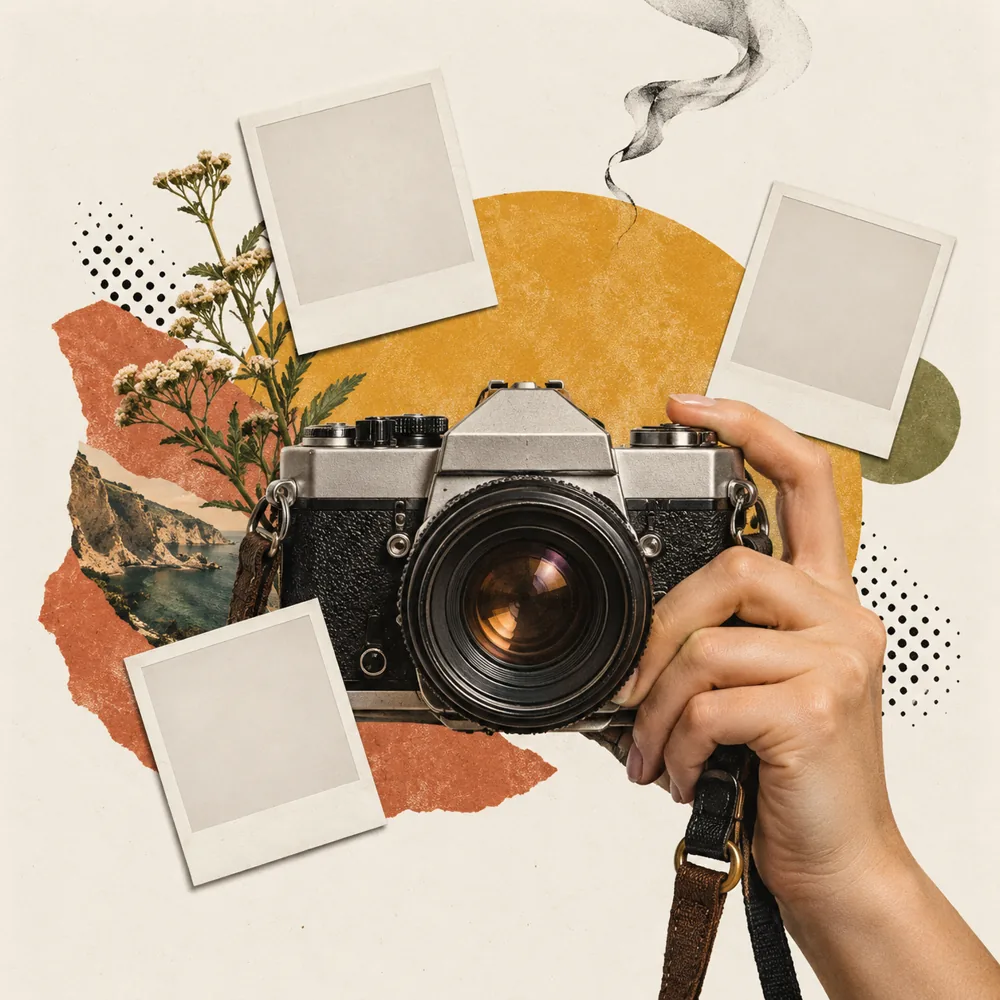
Vintage camera in a hand, layered with photo frames, mustard and terracotta paper, halftone dots and a curl of smoke.A little more life.
A little less screen time.
REAL MOMENTS.
YOUR POINT OF VIEW.

Real trips.
Finished posts.

Tap either example to swipe the full carousel on Instagram.
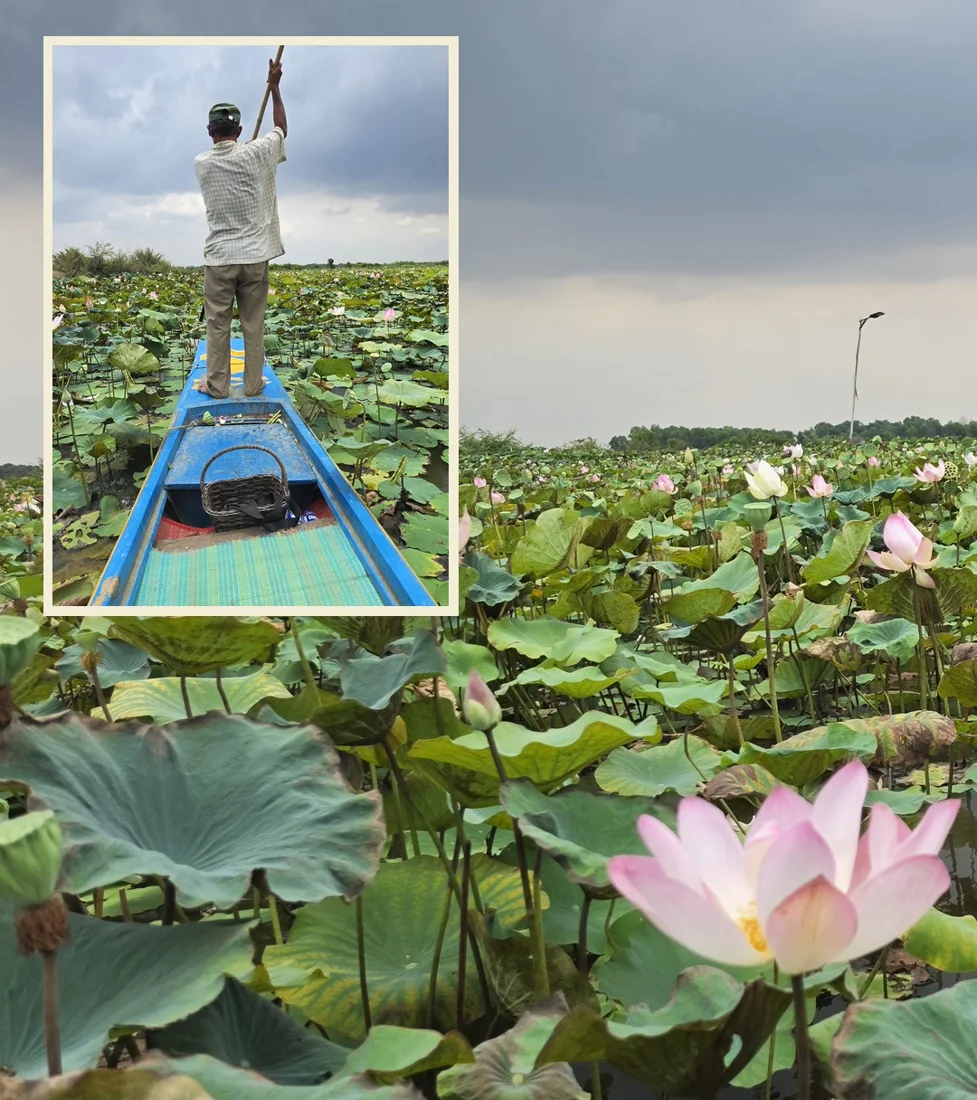
Made with Rev’s personal workflow. These show the creative direction; some layouts are still coming to the app.

From camera roll
to ready to post.

Three steps. Room to make it yours.

  1. Bring the rough version.

    Upload up to 40 photos and say what happened. Mark favorites Must include, leave others on Consider, or choose Skip.

    PictureRig picks photos and drafts a caption using your saved voice.

  2. Make it look like you.

    Choose how much collage to use, then review full-photo layouts, pairings and insets. Adjust the caption and layout before sending.

    Words on the pictures are optional and start off. Your post caption is separate.

    Try the layout demo · no sign-in ↗
  3. Review. Then share.

    Download the finished slides, or connect Buffer to send a draft or schedule a post. Check the final preview and destination before approving.

    Automatic posts currently go without added music or a location tag.

A whole month.
Plenty worth sharing.

The good days. The small wins. The thing you finally made. Give your month somewhere to go besides the bottom of your camera roll.

Choose Monthly recap, add your highlights and tell us about the month. A weekend away, a small win or a behind-the-scenes moment can all belong in the same post.

Already a tester? Start a recap ↗

Add the month and any dates you want included. You choose the highlights; nothing is pulled from your camera roll automatically.

A month, well spent.THE GOOD BITS
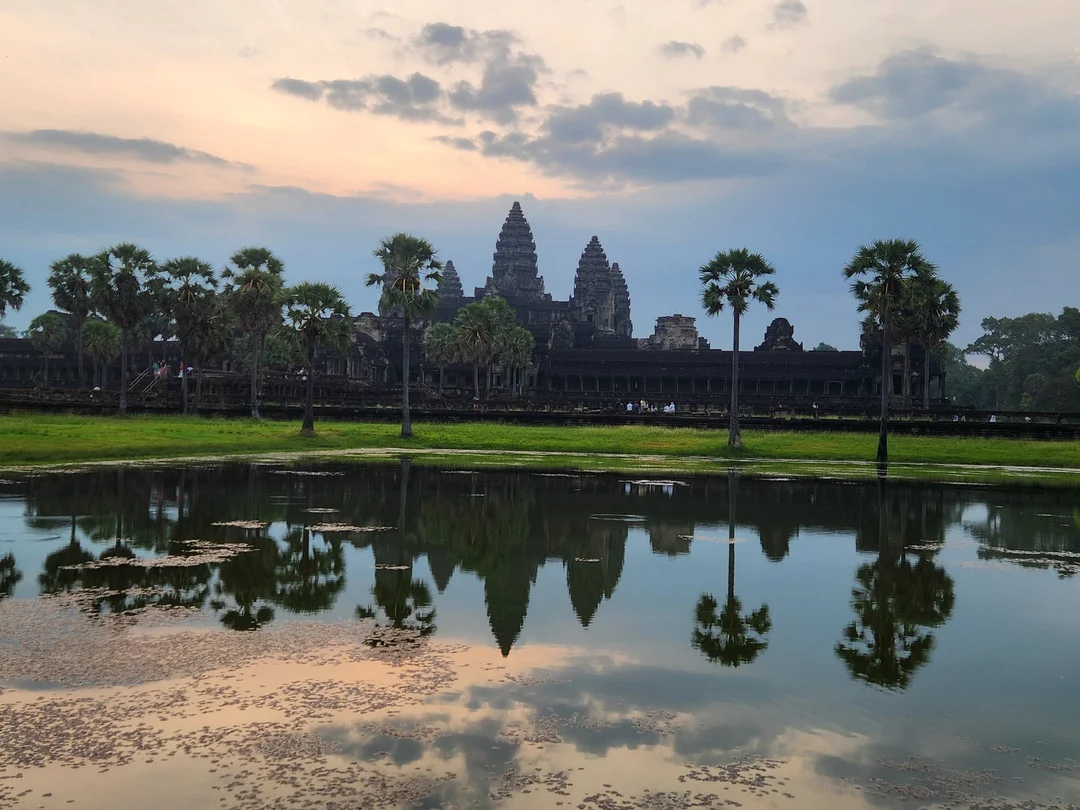
Angkor temple from Rev’s travel photos
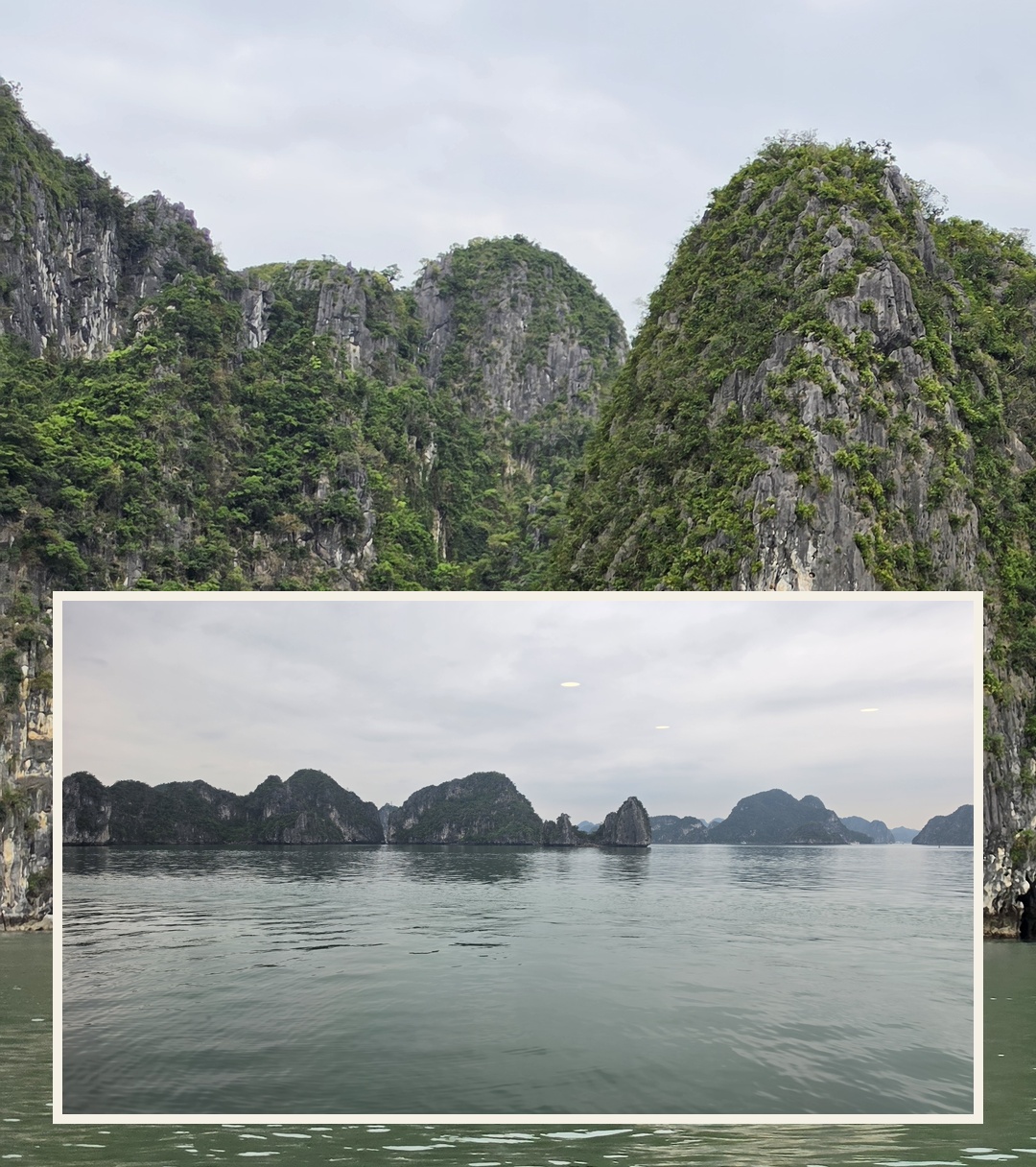
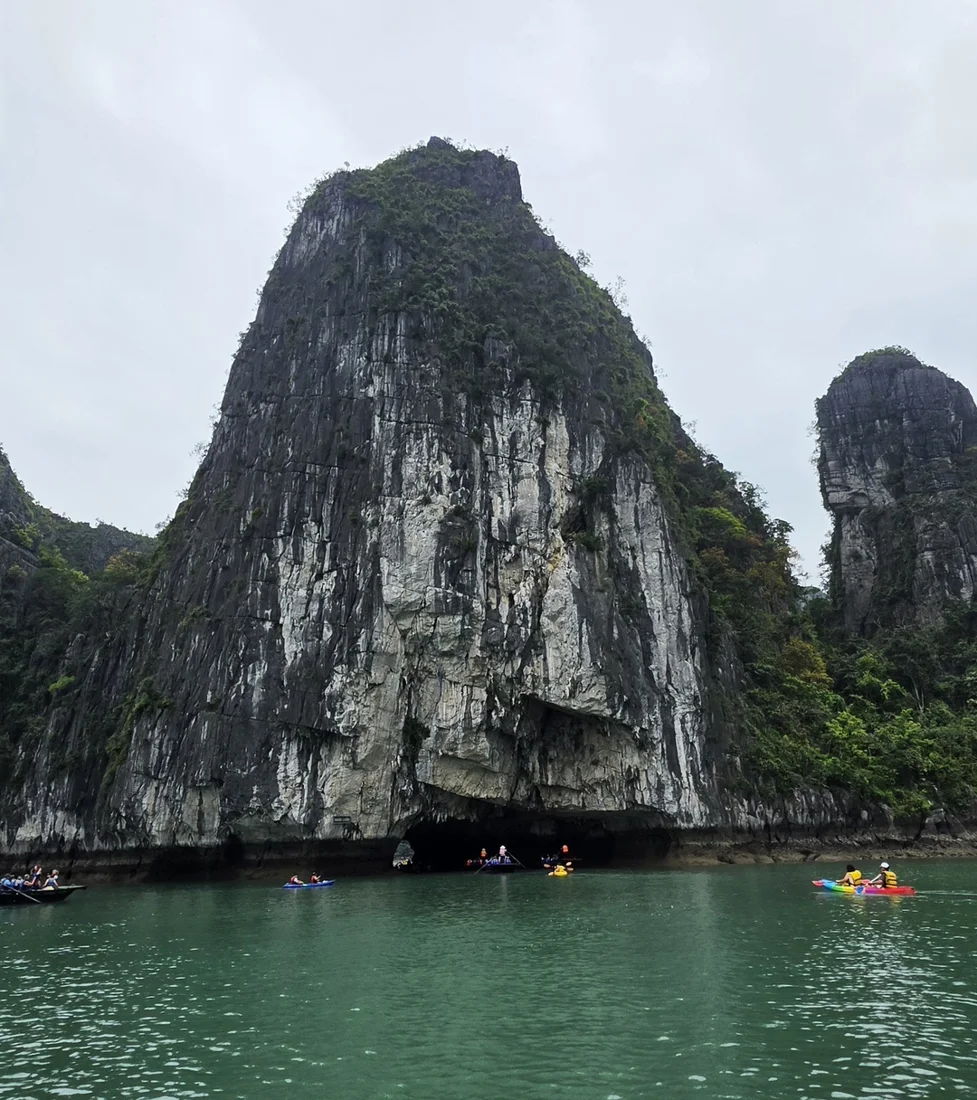
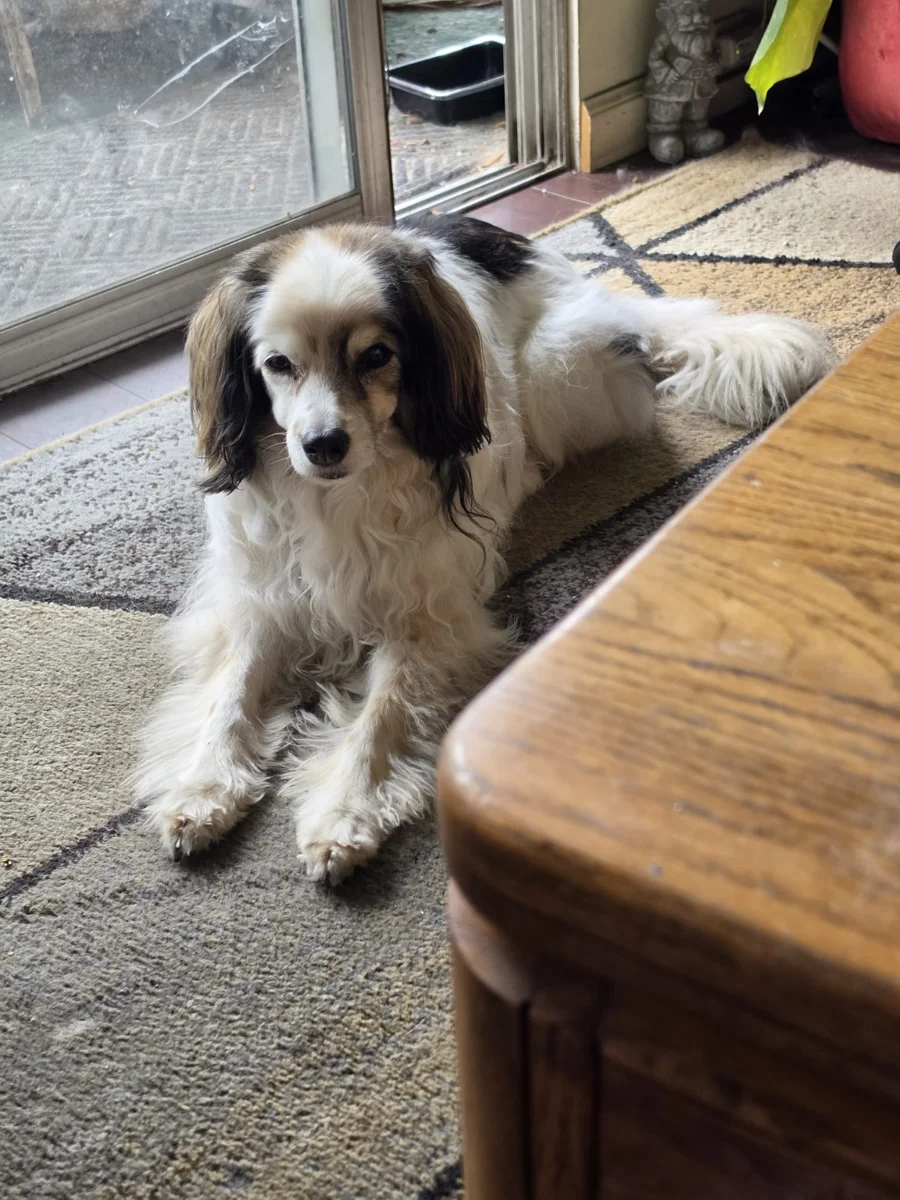
A view over Hạ Long BayDOG at the door
Illustrative collage using Rev’s photos; not an exact app template.

Your life.
Your business.
Their own space.

A personal photo diary and a product launch shouldn’t sound the same. Save a different voice, audience, photo preferences and business details for each workspace.

Keep outings and Instagram destinations separate under one login. Start with travel, art, FPV, products, behind the scenes or another story you want to tell.

Buffer authorization and account usage limits are shared across workspaces.

Your life isn’t our content.

You choose what to upload. Other testers can’t browse your saved outings, and there’s no public gallery of your photos.

How photos, sign-in and AI are handled

Google sign-in identifies you; it doesn’t open your Gmail, Drive or Instagram. OpenAI processes the selected photos, story and preferences when you request a draft. Cloudflare stores saved content. You can remove photos and outings.

Rev’s admin panel has no private-photo browser. Storage is not end-to-end encrypted; provider and operational access are explained in the privacy notes.

There’s a story
behind this thing, too.

The messy bits. The progress.
The stoner who started it.

The stoner behind the beastTap to explore

Built by a stoner.
To work smarter.
Obviously.

I’m Rev. I wanted to put my pictures on Instagram without turning every post into a second job. Pick the good shots, make them look good together, tell a story that actually sounds like me. Less hassle. More getting on with life.

So I started building the Giving a Fuck engine: my own workflow for turning real photos and memories into visually interesting posts with a story worth reading. Apparently I gave enough of a fuck to build a whole system around it.

Then came the dangerous question: “What if other people could use this?”

That grew into PictureRig—your own little setup for making something good from a camera roll. Yes, there’s a little wink in the name. Herbal inspiration is optional; giving a damn about the result isn’t. Your pictures. Your voice. Your stories. Then we started talking about Reels, video, saved preferences, and making the whole thing easier from start to finish. The simple little time-saver is becoming a multi-headed beast. I may have misunderstood the “work less” part. One dab and one “what if” later, here we are.

Do I know exactly what the hell I’m doing at every step? Absolutely not. Am I learning, testing, fixing things, and going to make it happen? That’s the plan—and now there’s a public to-do list to keep me honest.

The standalone app now saves outings, reviews photo batches in the background, creates captions and slide plans, and offers simple downloadable layouts. Approved friends and family can test it and send feedback in the app. Approved Buffer sending and scheduling are now available for beta testing. Better framing and a smoother finish are the next pieces of the beast.

Release historyDated milestones; earlier limitations may no longer apply

Less talking.
More “it’s shipped.”

A record of the build.
Older entries describe the beta at that time.

PictureRig · 0.12

Same heart. New rig.

Post Studio becomes PictureRig, with a new public home, a glass-and-picture mark and the familiar warm palette. Monthly recaps, expanded post types, richer voice preferences and separate workspaces now have a place on the homepage.

The app keeps its existing sign-in and Buffer routes during the domain transition. Existing outings and connected accounts stay in place. An optional final-slide PictureRig credit is now available. Personal history import is still to come.

Latest

Show the posts. Less explaining.

The homepage now leads with finished Cambodia and Vietnam collage examples and links to their full Instagram carousels. DOG points out what the layouts do. The old image-text screenshot and duplicate travel section are gone.

In Studio: DOG’s helper is compact again, and collage level comes first in the draft controls. Better slide typography and a two-slide panorama option are still in development.

Earlier update

Bring a real outing. Let’s put this thing to work.

Approved testers can connect their own Instagram through Buffer, review a carousel and choose draft delivery or a scheduled time. Setup now explains how to create Buffer if you don’t have it, and returning users land on their posts.

Also shipped: My posts / Create / Scheduled / Settings navigation, Save & continue after layout review, collage levels, people and selfie preferences, and DOG’s help tips. The website combines DOG’s tips and real controls into one visual walkthrough. Repeated feature sections and old screenshots have been removed.

Next: optional researched background, better crop control, music suggestions and reminders. Those are not active yet.

Earlier carousel pilot

From a draft to “hell yes, it’s in Buffer.”

A complete carousel draft has reached Buffer successfully. Rev’s pilot now offers exact-date scheduling with a final account and time check; live scheduled publishing is still being tested.

Also shipped: per-outing AI cost estimates for Rev, clearer upload feedback, a shorter connection setup, and app navigation that keeps your outings, voice and publishing account within reach. The personality setup now stays inside Studio—no copy-and-paste trip to ChatGPT.

Approved beta users can create and revise drafts. Buffer sending remains Rev-only while we verify the full process. Reels and video editing are future goals.

Studio v0.5.6 · tonight

The draft finally lives here.

Google sign-in and saved preferences. Private story and photo storage. In-app captions and slide plans, revision feedback, Must include choices, and an honest count of which pictures made the cut.

Also shipped: a clearer home screen, visible photo previews, progress animation and elapsed time, and errors that stay on screen long enough to read. Uploads and AI drafting are currently a Rev-only pilot.

Behind the scenes

The beast has somewhere to remember things.

Connected the standalone beta database and verified a read-only query. Updates now deploy through the existing GitHub connection. Fewer dashboard gymnastics, more building.

This is groundwork for saved accounts—not account sync yet. The public beta still saves your text in this browser.

Website launch

A front door for the project.

This introduction, current beta status, real app screenshots, and a place to follow the changes.

Studio v0.1.5

Clearer steps. Less déjà vu.

  • Completed setup stays under Preferences; return visits open Your story.
  • Added the Google Drive folder-link option.
  • Placed voice explanations alongside the options they describe.
  • Moved revision questions out of the first-story form.
  • Made the ChatGPT handoff and browser-local saving clearer.
Studio v0.1.4

A little more timezone love.

Added Bolivia alongside the existing US timezone choices.

What’s next—and what isn’t ready yet

Next up: finer crop controls, more coordinated collage styles and personal posting-history imports.

Reels currently have a timing preview. Video export, music suggestions and fuller video editing are future work, not features you can use today.

Will my post have a PictureRig logo?

Only if you choose it. An unchecked option at the end of your slide review adds a small logo and credit below the pictures on the final slide. Check it and you’ll get a very grateful, slightly ridiculous thank-you from Rev.

Be an early
troublemaker.

Help make posting feel a little less like homework. Got a trip, a dog, a weekend or 40 photos you keep meaning to post? DM Rev “LET ME TRY PICTURERIG” on Instagram. I’ll get you set up to use it—and I want to hear where it helps and where it annoys the hell out of you.

Message Rev for access ↗

For people, creators and small businesses. Real photos. Your voice. No bullshit promises.